I’ve always been fascinated by the power of videos to tell stories and captivate the audience. And, this was also why I started my YouTube journey to express my thoughts to the world.
In fact, this video content is getting so popular that over 86% of businesses use it as a marketing tool, while 92% of marketers mark their major significance in their strategy.
But, as I went on my journey, I realized that it’s way too difficult to find a perfect video editing tool that caters to all of my high-quality video formatting needs.
So, in this read, I’ll share some of my best picks for video editing software that can help you create stunning YouTube videos without breaking the bank.
Let’s start!
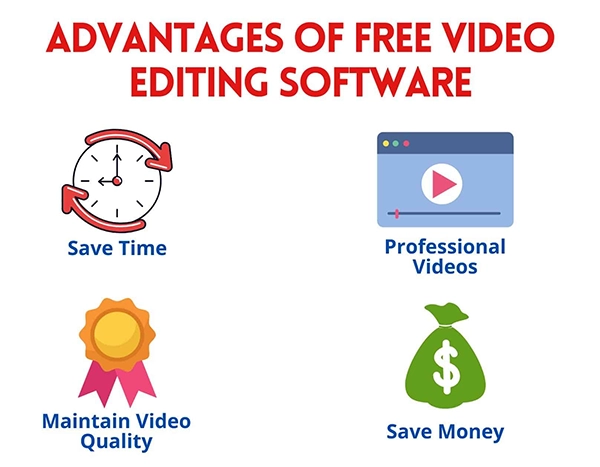
If you are a serious YouTuber, you must invest in the right editing software. Even if you are making videos of yourself skiing, if you want to gain a substantial following (and especially if you hope to monetize your efforts), you want to make your videos as spectacular as you can.
YouTube might be almost 20 years old, but it certainly isn’t slowing down. Last year, the site gained over 20% more in advertising revenue than it had the previous year. This is proof of its continuously growing popularity. So if you want to be a real part of this world, you’ll need the absolute best in video creation capability.
Do You Know?
According to the Market.US report, the global AI-powered video editing software market is expected to hit a staggering valuation of $1,032.0 Million by 2032 with a CAGR of 6.3% from 2023 to 2032.
Here are the top programs this year.
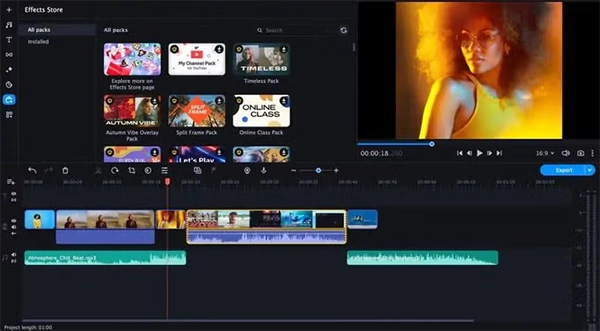
Movavi’s creators understand what is required to make an outstanding YouTube video, and they have installed the right features to master the process. Among other things, this includes:
Movavi is available for Mac and Windows.
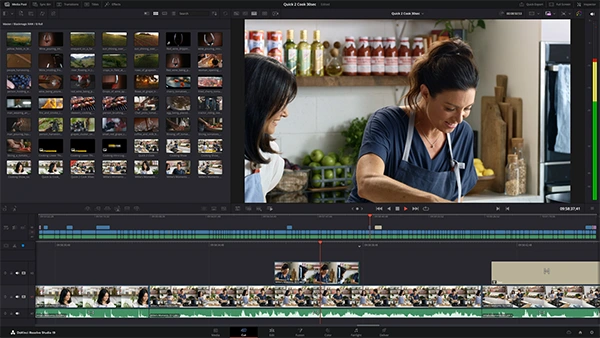
DaVinci Resolve is a simple, straightforward program that allows you to perform both basic and some advanced editing functions with ease. With it, you will be able to wow your audience with a range of special features. This includes:
DaVinci Resolve is now available for Mac, Windows, and Linux.
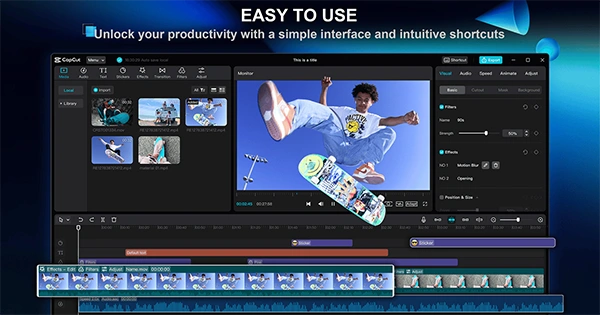
CapCut is also a great pick for people who want a straightforward, user-friendly product. It is considered a top choice for YouTubers for several reasons:
CapCut is available for Mac and Windows.
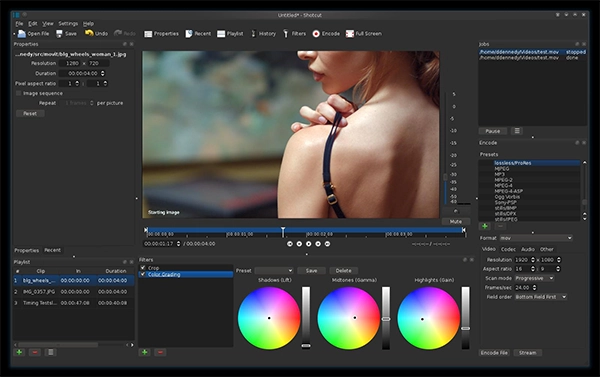
Shotcut is open-sourced and is a popular recommendation for YouTubers. It includes up to 8K resolution. Shotcut also provides the following benefits:
Shotcut is available for Mac and Windows.
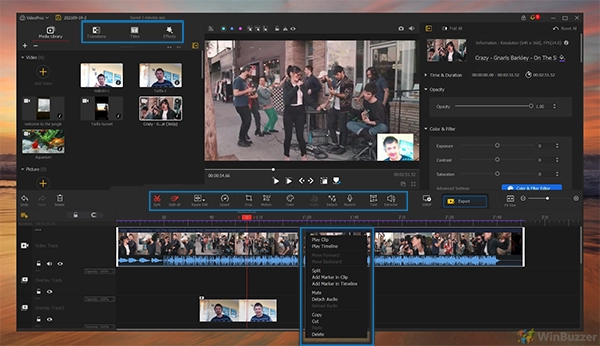
VideoProc Vlogger is software that is specifically designed for vloggers. It is user-friendly, easy to learn, and has a smooth interface. It also includes:
VideoProc Vlogger is freely available for Mac and Windows.
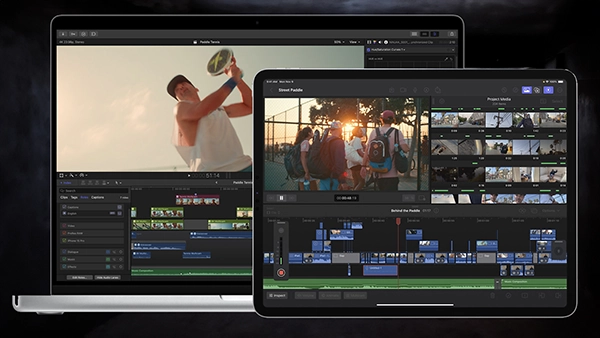
Features such as 360-degree video editing are growing in popularity (last year it had a market size of over $1.4 billion, and this number is growing).
Final Cut Pro is an Apple program with a fine reputation in the market due to its quality and ease of use. Because it comes from Apple, it is only available for Mac devices. The program includes:
Whatever your creative needs might be, there is a program out there for you. And, the best thing is that they are all available for you to use for free, so, won’t have to break your break to enhance the quality of your videos. This is why it is often advised to choose the right program and watch your viewership grow dramatically.